
1. Download the Guitar App
- Scan the QR code:
App Store Google Play
- Search "Aero Guitar" on the App Store:
2. Initial Setup
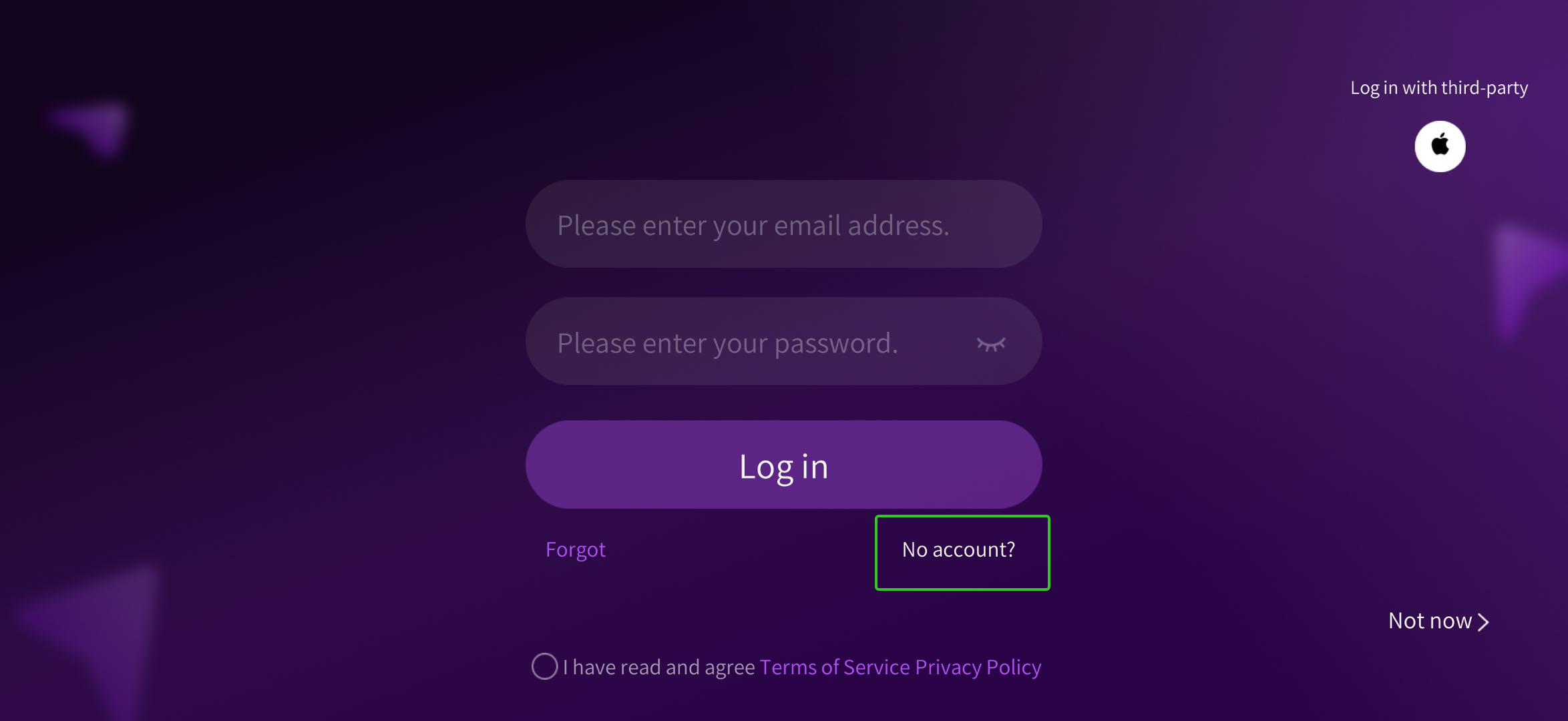
Open the guitar app and enter your account and password to log in.
If you are using the guitar app for the first time, tap "No account" to create an account, then log in after completing the registration process.
3. Bluetooth Pairing
Power on the guitar, enable Bluetooth and location in the app, then tap the upper-right Bluetooth icon and select "Connect".
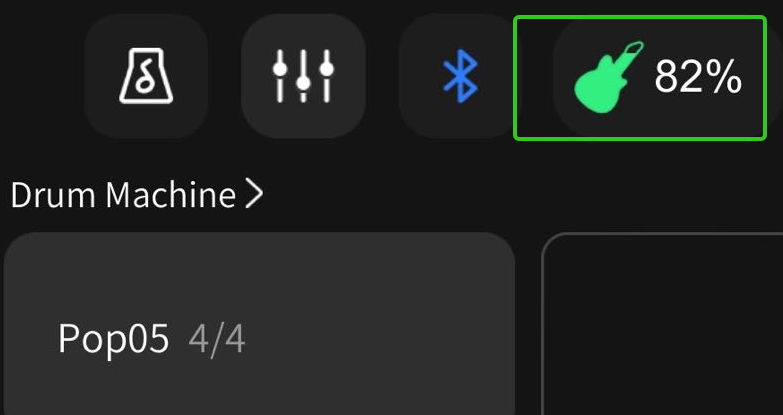
The green dot indicates successful pairing.
Battery status will appear in the top-right corner after closing the connection window.
4. Settings
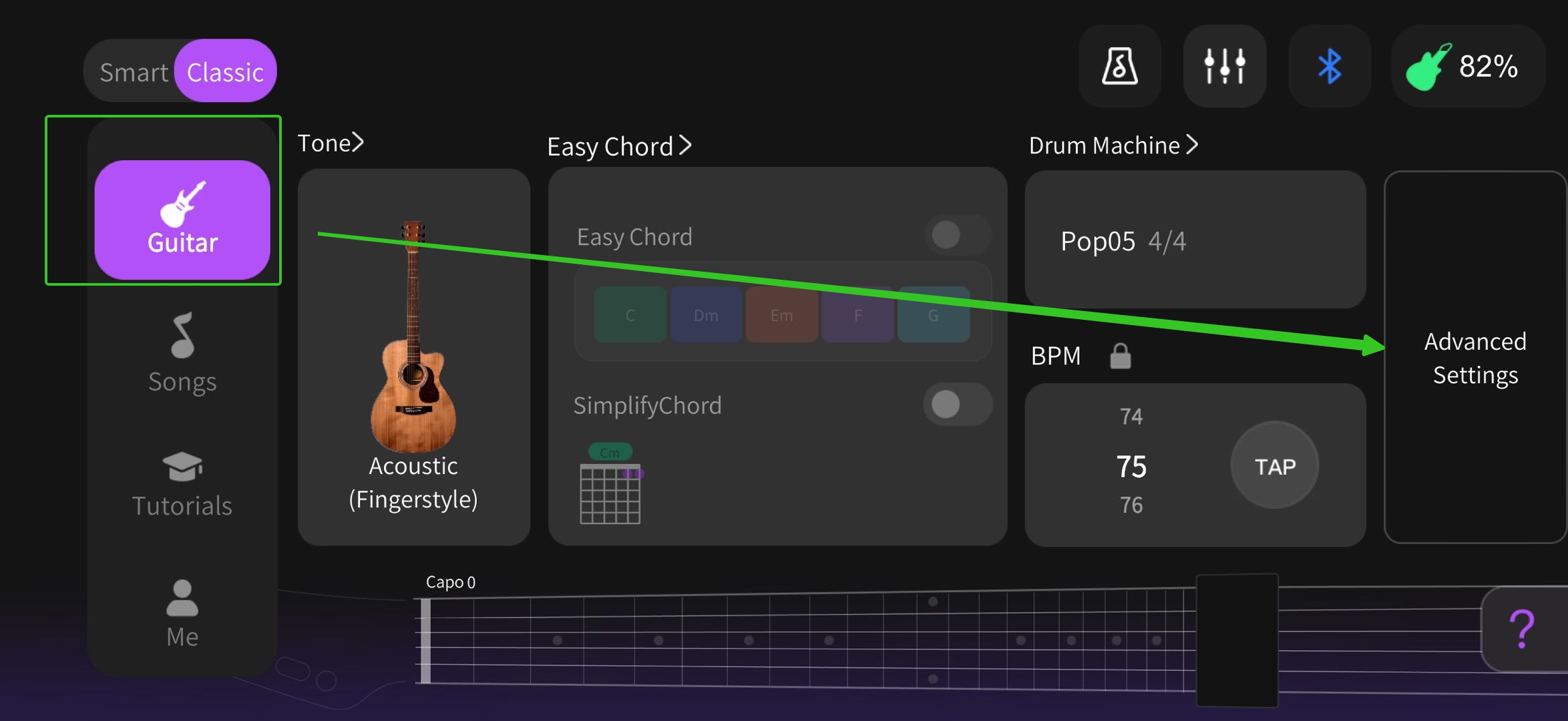
Navigate to "Guitar" > "Advanced Settings" to access.
5. Technique Controls
Hammer-On/Pull-Off/Slide: Enable via the toggle (may trigger occasional extra notes during play).
Open-String Hammer-Ons: Enable via separate toggle (higher chance of accidental double notes).
Want to know more?
▶ Video guides:
👥 Connect with other users:
🌐 Official social media channels:
For additional assistance, please refer to the included manual or contact AeroBand customer support at support@aeroband.net.